Free Windows browser • Version 3.7.0 • Build 27
Meet Champak’s Browser v3.7 for Windows
A browser designed for learning, everyday productivity and people who like their tools close at hand. Open more tabs, organise useful links, rotate pages automatically and now browse in a separate Incognito window.
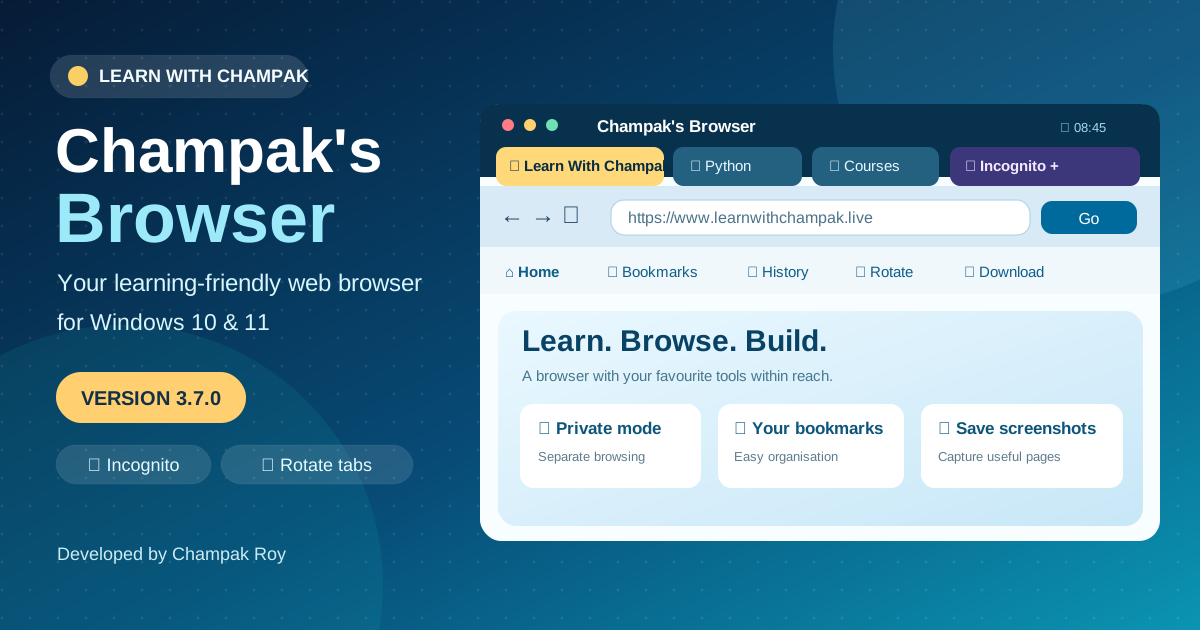
Illustration of the browser’s key controls, not a literal application screenshot.
The latest published version is 3.7.0 (build 27). Installation is for 64-bit Windows; Microsoft Edge WebView2 may be needed.
Why I made Champak’s Browser
Most browsers are built for everybody. Champak’s Browser is built around the way I teach, learn and work: moving among programming lessons, references, useful websites and multiple projects without wasting time hunting for tools.
It keeps familiar browsing actions visible while adding the features I use regularly—bookmarks, saved tabs, quick downloads, a clock, local weather and automatic tab rotation. The new v3.7 release adds an isolated Incognito browsing option.
Features that make a difference
Tabs made easy
Open several pages, switch quickly, close individual tabs and choose whether to reopen a previous normal session.
Automatic tab rotation
Display each tab in turn. The default is 30 seconds; adjust it to suit a classroom, display or workspace.
Incognito windows
Open a separate private browsing profile with its own tabs, cookies and site sessions.
Bookmarks & history
Save useful websites, revisit browsing history and return to your regular destinations more easily.
Tab screenshots
Capture the active tab and save PNG images to your Windows Pictures folder.
Downloads & files
Download from a web address, open the latest downloaded file or go straight to your Downloads folder.
Clock & local weather
See an analogue clock, the local date and time, and weather information with selectable location.
Customisable toolbar
Reorder shortcuts, hide items you do not need and add your own website links.
More Windows tools
Use fullscreen, page context menus, timed website opening and developer tools when you need them.
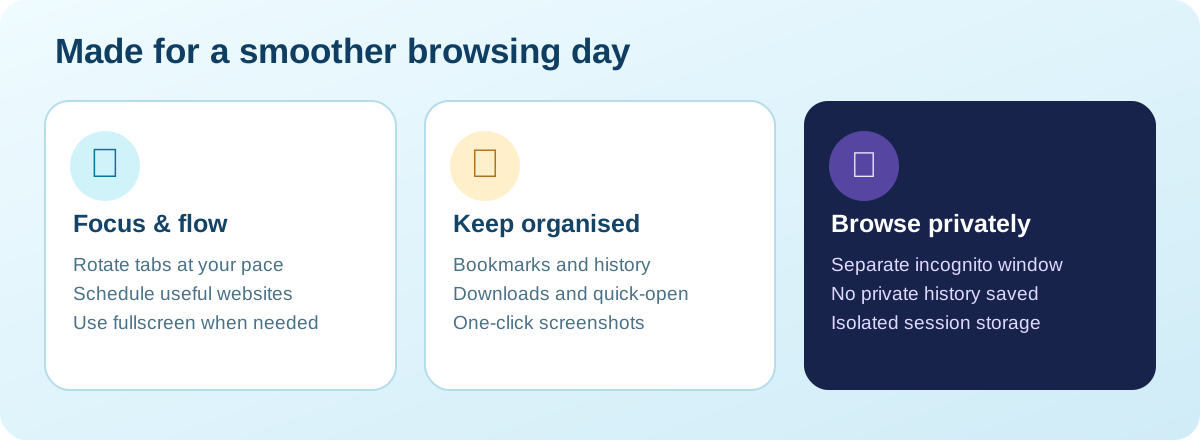
New in version 3.7: Incognito browsing
Choose Incognito next to New Tab or from the browser menu. Champak’s Browser opens a separate private window where you can open more private tabs without sharing the normal browsing profile.
Private tabs do not go into the browser’s normal history or session restore list. Their temporary browsing profile is cleared when that private window closes normally.
Privacy matters: Incognito is not anonymity. Websites, schools, employers, internet providers and networks may still see activity. Files you explicitly download and screenshots you save remain on the computer; an unexpected crash may leave temporary files.
Download and start using it
- Choose your package. Use the installer for a standard Windows setup, or download the portable ZIP if you prefer a portable folder.
- Install or extract. Run the installer, or extract the ZIP and launch the browser executable. Windows may ask for confirmation before launching newly downloaded software.
- Start browsing. Enter a website or search in the always-visible address bar. Use the toolbar to open bookmarks, history, downloads and other features.
- Try the new private mode. Select Incognito to launch a separate private window, then close that window when finished.
- Personalise your setup. Manage toolbar buttons, customise tab rotation and choose your weather location.
Want to set it as your default browser? Use the browser’s Set Default option and complete the selection in Windows Default Apps. Windows controls the final assignment.
Official links and resources
- Windows Installer — EXE ↗
- Portable Windows package — ZIP ↗
- Latest Windows version details — JSON ↗
- Windows browser source code — GitHub ↗
- Build and release status — GitHub Actions ↗
- Learn With Champak — Lessons & projects ↗
- Separate Android/Android TV browser APK ↗
- Contact the developer by email ↗
The Android/Android TV APK is a separate product build, not the Windows installer.
Frequently asked questions
Is Champak's Browser free for Windows?
Yes. The Windows installer and the portable ZIP are available from the official project links on this page.
Does Incognito keep browsing history?
Incognito uses a separate private WebView2 profile and does not add visits to the browser's saved history or reopen those tabs in a later session. Files you deliberately download or screenshots you save are not erased.
Can I control how often tabs rotate?
Yes. Tab rotation starts at 30 seconds per tab by default, and you can change the interval using the Rotate Tabs controls.
Which systems does it support?
The published Windows package is built for 64-bit Windows. It uses Microsoft Edge WebView2, so the WebView2 runtime may be required on your PC.

Designed and developed by Champak Roy
Creator of Learn With Champak and Champak’s Browser for Windows. I share practical tools, tutorials and projects to make technology easier to explore.
0 Comments
Please comment